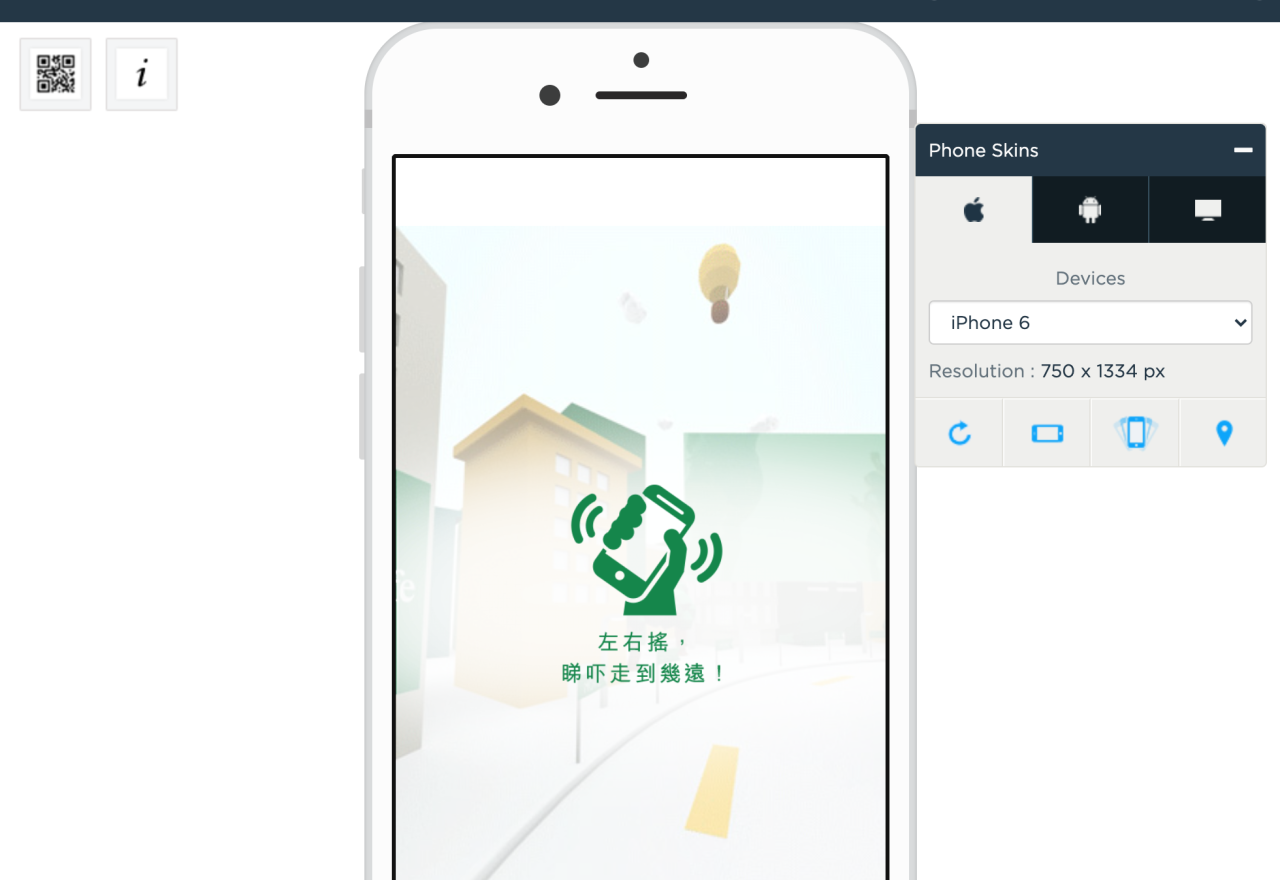
With HOTDESK creative showcase, HSBC Red MC can present a 320x480 execution that is easier to understand, review, and reuse in client conversations. The case focuses on HTML 5 / Data Submition / Form as the main creative mechanic.
- Brand
- HSBC Red MC
- Format
- 320x480
- Feature
- HTML 5 / Data Submition / Form
- Market
- PH
- Year
- 2017
Challenge: Make the campaign clear inside a mobile creative moment
The campaign needed to make HSBC Red MC's message feel immediate inside a compact 320x480 placement, without losing the product story, brand context, or action moment.
For reviewers, the important question is not only whether the creative looks good, but whether the mechanic makes the campaign easier to explain and easier to act on.
Solution: Use HTML 5 / Data Submition / Form to turn the placement into an interactive story
HTML 5 / Data Submition / Form / Display / PH creative prepared for mobile-first showcase preview.
Html 5 / Data Submition / Form is powerful because it gives audiences a reason to interact, learn, choose, or continue exploring instead of simply viewing a static message.
Mobile-first creative stage
The frame keeps the creative at the center while giving reviewers clear device context.
HSBC Red MC
This link works better as a focused live preview than inside a small mobile iframe.
Open preview studio.bonzai.coScan or open the original preview.
Use the QR code for quick mobile review, or open the raw preview link in a new tab.
Results: A stronger case reference for creative review
The final creative works as a reusable case reference: teams can open the live preview, understand the mechanic quickly, and use the page to guide client conversations around similar HTML 5 / Data Submition / Form executions.
Use this page to brief the idea, open the preview, and compare related examples when a client wants to see other ways the same interaction can be used.
Want to discuss this creative?
Reach out to the team and use this case page as the shared reference for the next creative conversation.
Discuss a creative